
Shawn Freeman
CEO

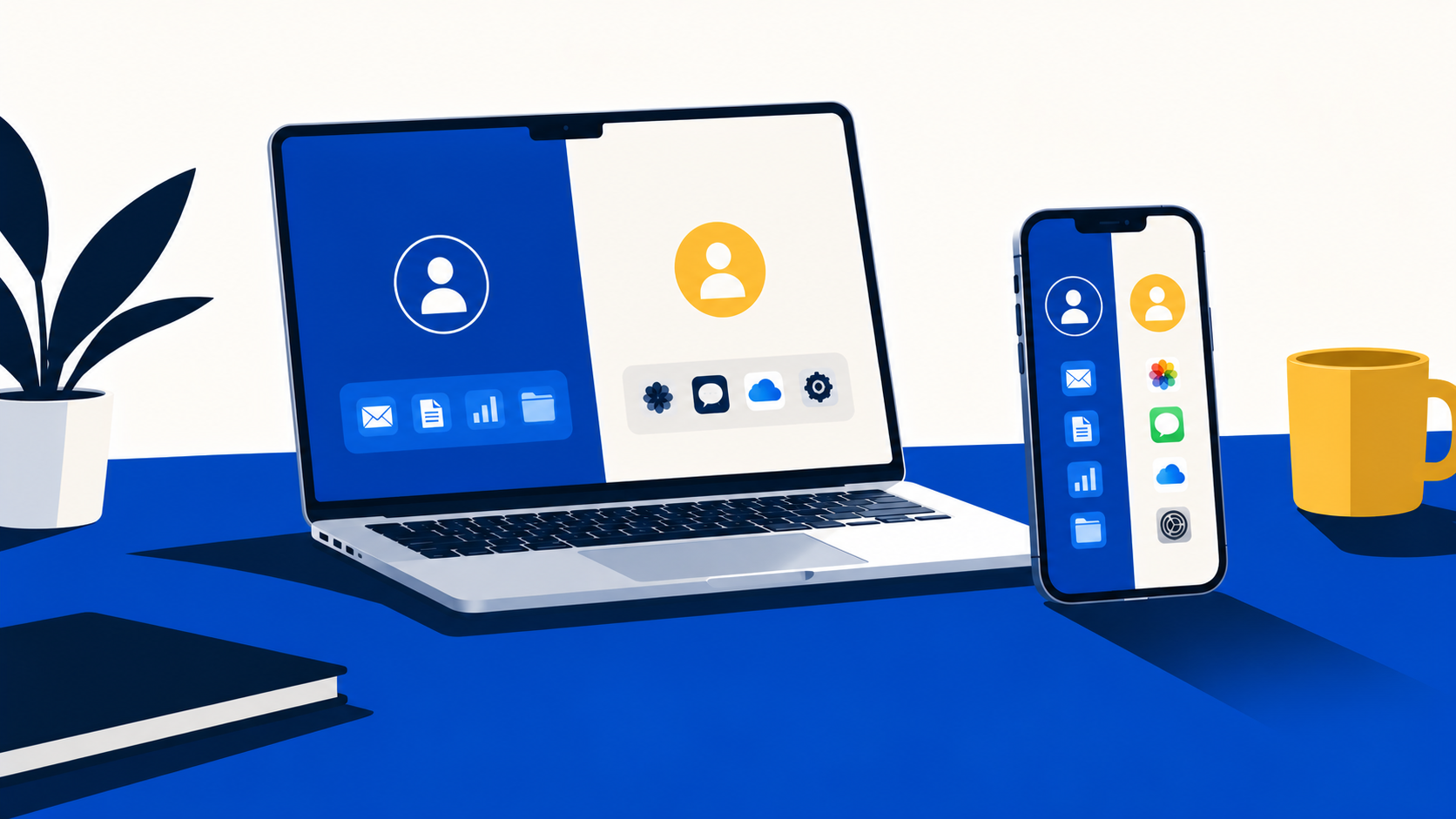
An employee gives notice. On their last day they hand back the company iPhone and MacBook. A week later your office manager tries to reset the phone for the new hire and hits a screen asking for the departing employee's Apple ID password. Meanwhile, the notes, shared files, and client photos they kept in iCloud are still sitting in their personal account, now out of your reach.
This is one of the most common Apple problems we see in Canadian small and mid-sized businesses. It usually comes down to one decision nobody made on purpose: letting employees sign into company devices with their personal Apple IDs. Managed Apple Accounts (still widely called Managed Apple IDs) are Apple's answer to it, but they come with real trade-offs that employees will notice.
This post covers what Managed Apple Accounts are, when your business should use them, what they limit, and, most importantly, what it takes to switch if your team is already using personal Apple IDs today.
A Managed Apple Account is an Apple account that your business owns instead of the employee. It's created in Apple Business (Apple's free portal for companies), usually uses the employee's work email address, and can be connected to Microsoft Entra ID or Google Workspace so employees sign in with the same credentials they already use for email.
Think of it like the difference between a building key card and a house key. The key card opens the office, and when someone leaves, you switch it off at the front desk. A personal Apple ID is the employee's house key. You can't cancel it, reset it, or take back what's behind the door.
💡 Good to know: a Managed Apple Account and device management are two separate things. Mobile Device Management (MDM) controls the device itself (security settings, apps, remote wipe). The Managed Apple Account controls the identity and the data in Apple services like iCloud. You can have one without the other, and many businesses do.
Managed Apple Accounts make the most sense when the company needs to own the identity and the data, not just the hardware. The strongest cases are:
Managed Apple Accounts aren't the right answer for every business. If your work happens in Microsoft 365 or Google and nobody stores business data in iCloud, a Managed Apple Account adds friction without much extra control. Small teams where the company iPhone doubles as the employee's only phone may also push back hard on losing personal features.
In those cases, a common middle ground is to enrol company devices in device management so the business controls security, apps, and wiping, and let employees keep their personal Apple ID on the device. Apps can still be assigned to the device instead of the person, so nothing is lost when someone leaves.
✅ Best practice: whichever path you choose, make sure every company-owned Apple device is registered in Apple Business and enrolled in device management. That's what prevents the "locked phone after someone quits" problem, with or without Managed Apple Accounts.
This is where expectations need to be set early. Managed Apple Accounts are built for work, so Apple removes most consumer features. Some can be turned on by an administrator. Others can't be turned on at all.
⚠ The purchasing restriction is enforced by Apple at the account level. No device management setting can switch it back on, so don't promise employees a workaround.
If your team has been using personal Apple IDs on company devices for years, moving to Managed Apple Accounts is very doable, but it's rarely painless. Employees aren't wrong to be frustrated. From their point of view, a phone that used to do everything suddenly does less. Here's what typically makes the switch hard.
Paid apps, Apple Music, iCloud+ storage, Family Sharing, Apple Pay cards, and photo libraries don't come along to a Managed Apple Account. For someone whose company iPhone is their only phone, that can feel like losing half the device. Expect this to be the biggest source of pushback, and plan the conversation before the technical work.
Years of use mean personal photos, messages, and passwords sit beside client files and work notes in the same iCloud account. Someone has to separate them. Work files need to move into the new managed account or into Microsoft 365, and personal content needs to be backed up by the employee before the device is reset.
Any company device signed into a personal Apple ID with Find My turned on is protected by Activation Lock. The employee has to sign out before the device can be reset and re-enrolled, unless the device was already supervised through device management. This is easy with a willing employee and very hard with one who has already left.
Business apps purchased with an employee's Apple ID stay with that employee. The company needs to buy licences again through Apple Business so they can be assigned, reclaimed, and reassigned.
To claim your company's email domain for Managed Apple Accounts, Apple Business uses a process called domain capture. Every personal Apple ID created with a work email address gets notified and has 30 days to either rename the account to a personal email (keeping all their data) or transfer it to the company. The window is fixed and can't be extended. If they do nothing, the account stays personal but is renamed to a temporary address, and the work email is freed up for the company.
Transferring an account also has conditions. Apple may require employees to remove Apple Pay cards or recovery contact settings first, and some accounts (for example, ones with a Legacy Contact set up) can't be transferred at all. For most employees, renaming their personal account and starting fresh with a new Managed Apple Account is the cleaner path, since a transferred account and everything in it becomes company property.
🚨 Domain capture can't be undone, and notifications go to every personal Apple ID using your domain, including former employees. Communicate with your team before it's switched on, or you'll get a wave of "Apple says my account is being taken over" messages.
A good transition is mostly planning and communication. The technical steps are the easy part. Always Beyond typically runs the move in this order:
📋 Rule of thumb: pilot with two or three willing employees first. You'll find the surprises (a missing app, a Wallet feature someone needs) before they reach the whole team.
Yes. Apple renamed Managed Apple IDs to Managed Apple Accounts. The concept is the same: an Apple account owned and controlled by your organization.
No. Device management works without them. Managed Apple Accounts add control over the identity and the data in Apple services, which matters most when business data lives in iCloud or employees use their own phones.
They can, as long as the device is enrolled in device management and your policy allows it. The trade-off is that anything they store in their personal iCloud stays with them when they leave.
Not if they rename their personal Apple ID to a personal email. Their data and purchases stay in that personal account. What they lose is access to those things on the company device once it's reset with a Managed Apple Account.
Each owner gets 30 days to rename or transfer the account. If they don't act, the account stays personal but gets a temporary username, and your company can then use that email address for a Managed Apple Account.
Not sure whether your Apple devices and accounts are set up the way they should be? Always Beyond can assess your current Apple setup, recommend the right account model for your team, and plan and run the transition from personal Apple IDs so employees know what to expect. Reach out to start the conversation.
See exactly how your current IT setup measures up to our Hack Free standards. Enter your business email to receive:
