
Shawn Freeman
CEO

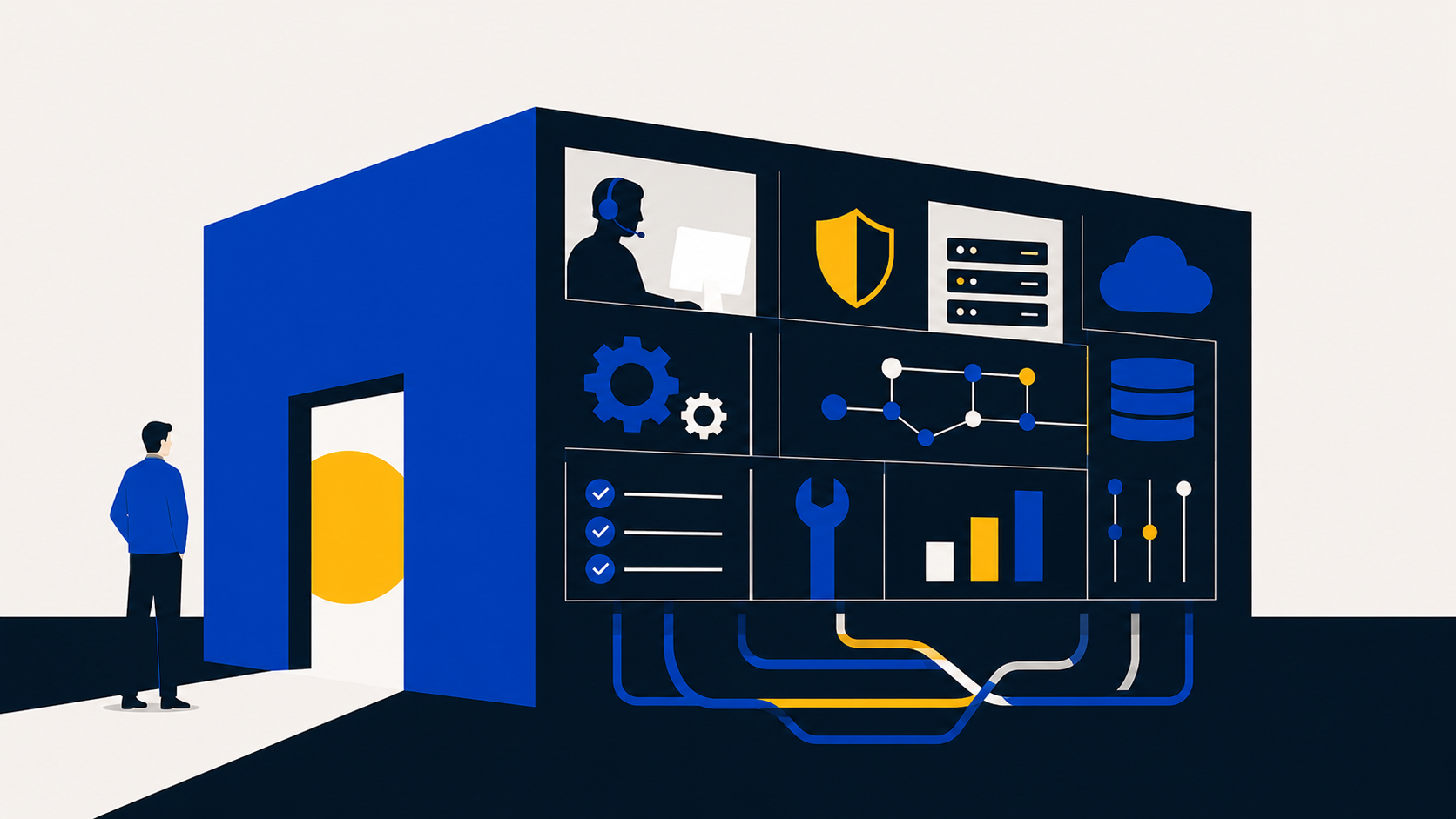
Once a month, your managed IT services show up as a single line on an invoice. One number, one description, and on to the next bill. It is fair to wonder what that number actually covers, because from the outside, IT support can look like a phone number you call when something breaks.
It is a lot more than that. A managed service provider, or MSP, runs a stack of systems behind the scenes that most clients never see. They are the reason the quiet months stay quiet. When you understand what is in that stack, the monthly fee stops looking like a mystery and starts looking like what it is, which is a set of systems working around the clock so you do not have to think about any of them.
Here is what is actually inside, layer by layer, in plain terms.
Sources: Verizon 2025 Data Breach Investigations Report; IBM Cost of a Data Breach Report 2025 (Canada figure in CAD).
Most of the stack below exists to push those last three numbers down. That is the work you are paying for, and almost none of it is visible on a good day.
This is the maintenance work that prevents the day-to-day failures: the slow logins, the unpatched server, the backup nobody checked until it was needed.
Remote monitoring and management is the always-on layer that watches your computers, servers, and network. Think of it as smoke detectors throughout the building combined with a maintenance manager who walks the floor day and night. It flags a hard drive that is starting to fail, an update that did not install, or a server running hot, often before anyone in the office notices a thing.
The same layer pushes out security patches and software updates on a schedule and confirms they actually applied. Unpatched systems are one of the most common ways attackers get in, so this is quiet, unglamorous work that prevents loud, expensive problems.
💡 When an MSP catches a failing component on a Tuesday afternoon and swaps it before Monday, you never experience that as an outage. You experience it as nothing happening, which is the entire goal.
Backup and continuity tooling makes copies of your data so a deleted file, a failed drive, or a ransomware attack does not erase your business. The part that matters is not whether backups exist, it is whether anyone has tested a restore. A backup you have never recovered from is a guess, not a safety net.
A managed backup layer takes copies on a schedule, stores them in more than one place including secure Canadian or cloud locations, and tests recovery so that a real failure means hours of downtime instead of days or weeks. Always Beyond owns that testing as part of the service, rather than leaving it to chance.
Security is not one product. It is several layers working together, because attackers only need one way in and you need to cover all of them.
Traditional antivirus checks files against a list of known threats. Endpoint detection and response, or EDR, goes further by watching how software behaves and flagging activity that looks like an attack even when the threat has never been seen before. Behind the tool sits a security operations centre, a team that reviews those alerts around the clock and steps in when something is wrong. The tool spots the smoke, the team decides whether to pull the alarm.
This is the layer that turns a break-in into a contained incident instead of a headline. The faster a threat is caught, the less it costs, and the numbers in the stat row above are exactly what this layer is built to shrink.
Your Microsoft 365 accounts, passwords, and permissions are the keys to the building. Identity and access management is how an MSP controls who holds which key. That includes multi-factor authentication (MFA), which requires a second confirmation beyond a password, and conditional access, which can block a sign-in from an unexpected country or an unmanaged device.
It also covers the unglamorous lifecycle work: setting up a new hire with the right access on day one, and fully removing a departing employee's access on their last day so an old account cannot become an open door. Always Beyond manages this centrally across your environment so access stays tight as your team changes.
⚠️ Stolen and misused credentials are behind a large share of breaches, and roughly six in ten breaches involve a human element such as a phishing click (Verizon, 2025). The identity layer is where most of that risk is contained.
The layer above controls who gets a key. Cloud identity security watches what happens after the keys are issued, specifically whether a legitimate account has been taken over. Attackers increasingly skip breaking down the door and instead steal a valid Microsoft 365 login or an active session, then walk in looking exactly like one of your staff.
This layer monitors your cloud accounts for the signs of that: a sign-in from two countries an hour apart, a login from an unusual device or location, a reused session token, or a sudden change to mailbox forwarding rules. When something looks wrong, access can be cut and the account locked down automatically before the damage spreads. The industry term for this is identity threat detection and response (ITDR), and as more attacks begin with a stolen login rather than malware, it has become one of the most important layers in the stack.
💡 A password, and even MFA, can be sidestepped if an attacker steals a session that is already signed in. Watching the behaviour of the account itself, not just the moment of login, is what closes that gap.
DNS is the internet's phone book. It turns a web address you type into the numeric address your computer actually connects to. DNS protection, sometimes called DNS filtering, sits at that lookup step and quietly refuses to connect anyone in your business to a known-bad destination: a phishing page, a malware server, or the address a piece of ransomware tries to call home to.
Because it works before a page even loads, it can stop a bad click from going anywhere, and it covers every device on the network, including the ones that slip on without other security installed. Think of it as a switchboard that will not put your call through to a number known for scams. Always Beyond configures and maintains this filtering across your environment as a standing layer of defence.
Email is still the front door for most attacks. This layer filters phishing messages, scans attachments and links before they reach an inbox, and adds protection across the tools your team works in every day. It is the difference between a malicious message being quarantined automatically and an employee clicking it at 4:55 on a Friday.
The final group is what makes the service consistent and reviewable, so support does not depend on one person's memory and security posture does not drift over time.
A proper MSP documents your environment: how your network is laid out, where things live, what the passwords protect, and how each system is configured. When your setup lives only in one technician's head, you are one resignation away from starting over. Documentation is what lets any qualified person on the team pick up your account and know exactly how it works.
This is the layer you actually touch. When you submit a request, it goes into a ticketing system that tracks it, routes it to the right person, and holds the work to a defined response time rather than whoever happens to be free. The Always Beyond Support Portal is where you raise issues, follow their status, and see what has been done, so nothing falls through the cracks and you are never just a voicemail in a queue.
The top layer is strategy and accountability. A managed provider measures your environment against a defined security baseline, reviews it on a regular cadence, and reports on what is healthy and what needs attention. This is also where Canadian compliance lives: privacy obligations under PIPEDA, the stricter requirements of Quebec's Law 25, and data residency expectations about where your information is stored.
That baseline is not one provider's opinion. Always Beyond aligns Microsoft 365 and other systems to the CIS Benchmarks, a set of security configuration standards published by the Center for Internet Security (CIS) and used around the world. The benchmarks spell out, in detail, how platforms like Microsoft 365 and Windows should be set up to reduce risk. Measuring your environment against them means you are held to a recognized external standard, and any drift away from a known-good configuration gets caught and corrected.
💡 Configuration drift is one of the quietest risks in IT. A setting changed for a project and never changed back can sit open for months. Aligning Microsoft 365 to the CIS Benchmarks and re-checking on a cadence is how that gets found before anyone else finds it.
Always Beyond also runs its own operations against an independently audited control environment (SOC 2 Type 2), and our trust portal at trust.alwaysbeyond.com lays that out. This layer is the difference between IT that reacts and IT that is governed, planned, and improving quarter over quarter.
Ten layers, one invoice. Here is what each one does and the kind of problem it is there to prevent.
None of these layers is optional in a serious IT plan, and none of them works alone. Monitoring without backups still leaves you exposed to data loss. Backups without security still leave the door open. Security without documentation falls apart the moment a key person leaves. They are priced together because they only protect you when they run together.
That is also why two providers can quote very different numbers for what looks like the same service. The price reflects how many of these layers are actually included, how well each one is run, and whether a real team stands behind them. A lower number usually means a layer was removed, even if the proposal does not say which one.
📋 A useful way to read any IT quote: for each of the ten layers above, ask whether it is included, who runs it, and how often it is tested or reviewed. The answers explain the price far better than the headline number does.
Every missing layer is invisible until the day it would have mattered. Skip tested backups and you find out during a ransomware event. Skip the identity layer and a departed employee's account becomes the way in. Skip cloud identity monitoring and a hijacked login quietly reads your email for weeks. Skip DNS protection and a single bad click sails straight through to a malware server. Skip governance and your environment slowly drifts out of compliance without anyone noticing until an audit or an incident.
This is the thread that connects the back end to the bottom line. The cheapest providers usually win on price by quietly thinning these layers, and the savings hold right up until the layer you cut is the one you needed. We wrote more about that math in our companion piece on why the cheapest IT provider is almost never the cheapest.
For most Canadian businesses, yes. The layers map directly to the ways businesses actually lose money and data: failure, loss, breach, and compliance gaps. A provider can scope the depth of each layer to your size and risk, but removing a layer entirely removes a protection, not just a cost.
You can buy some of the products, but the tools are a fraction of the value. The work is in configuring them correctly for your environment, watching the alerts around the clock, testing the backups, managing access as your team changes, and acting when something goes wrong at 2am. That ongoing operation is what Always Beyond provides and what the monthly fee covers.
That depends on the system, and it is a fair question to ask any provider. Always Beyond can configure backups and cloud services to keep data in Canadian or specified regions where data residency matters, which is especially relevant for organizations with obligations under Quebec's Law 25 or sector-specific privacy rules.
Through the reporting and governance layer. A good provider reviews your environment on a regular cadence and shows you what is healthy and what needs attention, rather than asking you to take it on faith. Always Beyond also maintains an independently audited control environment, with details on our trust portal at trust.alwaysbeyond.com. If you suspect fraud or a scam targeting your business, the Canadian Anti-Fraud Centre (CAFC) is the body to report to.
Want to know which of these layers you actually have today? Always Beyond will walk through your current setup, show you what is covered and what is missing, and lay out what proper coverage looks like for a business your size. Reach out to start the conversation.
See exactly how your current IT setup measures up to our Hack Free standards. Enter your business email to receive:
