
Shawn Freeman
CEO

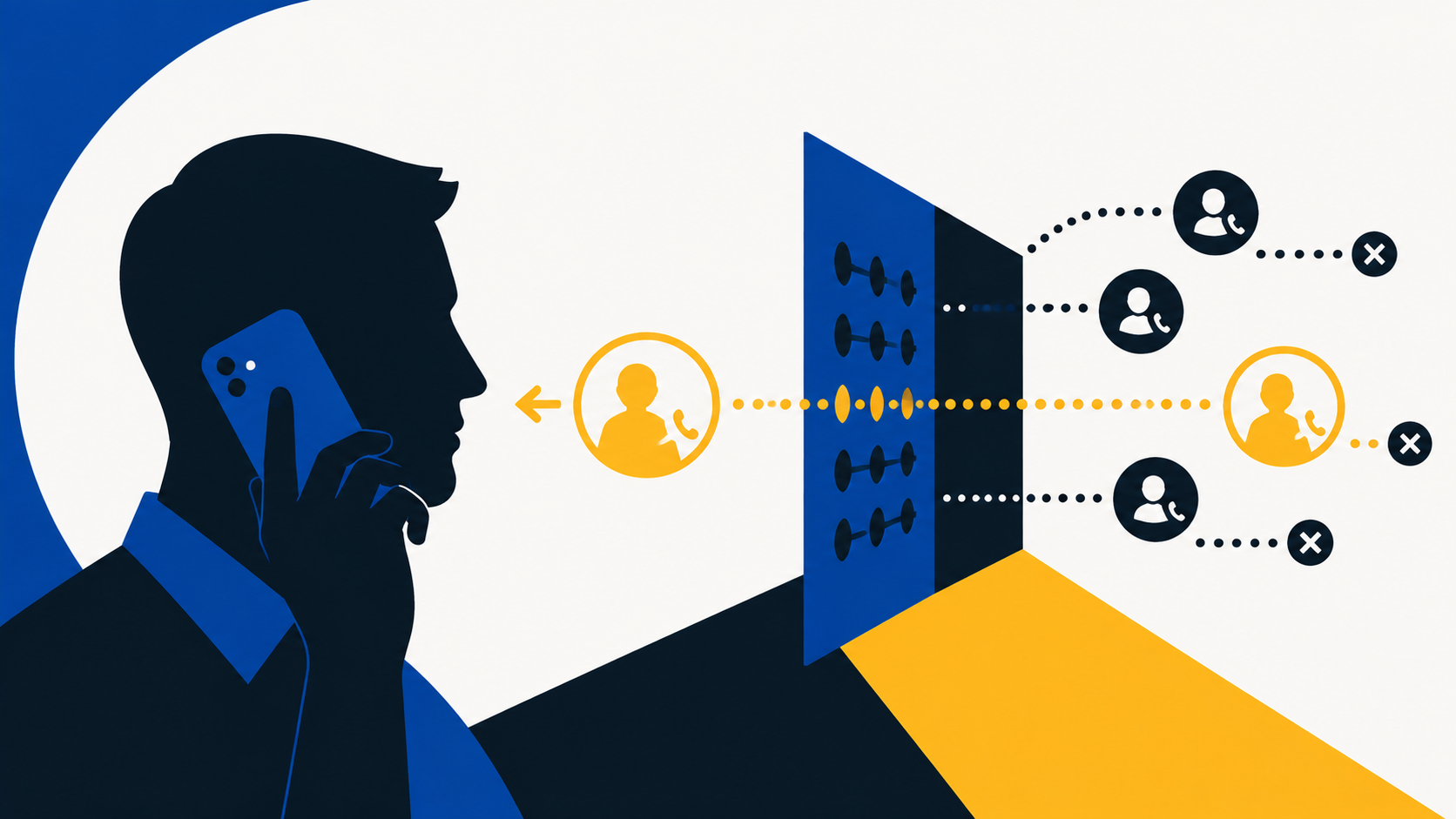
Your phone buzzes with a 403 number you don't recognize. It could be the electrician calling back about the panel in the server room. It could be the eighth "your business listing needs updating" call this week. You get about four seconds to guess, and both wrong answers cost you something.
For years the polite default was to answer. That default has quietly stopped making sense. Canadians reported losing more than $704 million to fraud in 2025 across over 112,000 reports, and the Canadian Anti-Fraud Centre estimates only 5 to 10 percent of frauds are ever reported at all (CAFC, 2026). A large share of that starts with a ringing phone.
Your iPhone can now do the guessing for you. Since iOS 26, it can answer calls from numbers you haven't saved, ask who's calling and why, and show you their answer as text while the call is still live. Plenty of people call it "live answer" or "the robot that picks up". Apple calls it Call Screening. This post covers how to turn it on, how to read what it shows you, how to use it to vet solicitation calls, and where it stops being enough on its own.
Email filtering got good. Attackers noticed and moved to a channel where filtering barely reaches. Mandiant ranked voice phishing as the second most common way attackers gained their first foothold in 2025, present in 11 percent of investigations where a starting point could be identified (M-Trends, 2026). CrowdStrike measured voice phishing volume doubling again between the second half of 2025 and the first half of 2026 (Threat Hunting Report, 2026).
Two things made this cheap. Caller ID is trivial to fake, so a call can land looking like it came from a number three blocks away. And a short clip of someone's recorded voice is now enough to clone it convincingly. Gartner's 2026 survey of chief information security officers found 41 percent of organizations had faced a deepfake combined with social engineering on an audio call.
💡 Canada's telecom providers run a caller authentication framework called STIR/SHAKEN, required by the CRTC. It helps carriers flag calls whose caller ID can't be verified, which thins out the worst of the spoofing. It doesn't cover every call, and it can't stop a real person calling from a real number and lying to you.
The Phone app has five separate tools that people tend to lump together. They do genuinely different jobs, and knowing which is which matters, because switching the wrong one on means real callers disappear without a trace.
Canada is supported in both English and Canadian French, but a mismatch between region and language can hide the option entirely, and Low Power Mode can suppress it. If you can't find the setting, that's usually why.
From then on, any number that isn't in your contacts and isn't someone you've recently called hears a short prompt asking for a name and a reason. Your phone stays quiet while they answer. Then it rings and shows you what they said, and you decide.
✅ Spend five minutes on your contacts first. Your bookkeeper, your bank's business line, the alarm monitoring company, your kids' school, and your building manager should all be saved. Anyone in your contacts skips screening completely, which is exactly what you want.
If a real person gets screened and you'd rather they came straight through next time, open the Phone app, tap Filter, choose Unknown Callers, and mark that call as known. That number can then reach you across Phone, FaceTime, and Messages.
This is the part most people underuse. The transcript isn't just a spam filter. It's a free first round of qualifying for every cold caller who reaches you, with no obligation and no awkward exit. You get the pitch in writing before you've committed a single minute.
Real callers name themselves, name their organization, and name something specific. Scripted callers and fraudsters do something else, and it shows up fast in text.
✅ The transcript is text, so you can screenshot it. If a caller claims to be your bank or one of your suppliers, that screenshot is genuinely useful when you report the attempt to the Canadian Anti-Fraud Centre.
Worth being honest about the limits. Screening decides based on whether a number is saved, not on whether the caller is telling the truth. Three gaps matter for a business:
🚨 A screened call that gets through is not a verified call. Never approve a multi-factor prompt, read out a code, reset a password, or change payment details based on an inbound call, no matter how well the caller handled the screening question.
Screening also doesn't cover your desk phones, your reception line, or your Teams number. If most of your inbound risk sits on a business phone system rather than on personal iPhones, that's a different conversation, and it's one Always Beyond can work through with you.
Silence Unknown Callers is the blunter tool. Rather than leaving it on permanently, pair it with a Focus so it applies evenings and weekends and switches itself off during business hours. You get the quiet without missing the Tuesday morning callback.
Screening cuts both ways. If your team calls clients from a number that shows up as unrecognized, you're now the one being screened. Two things help. Register your company through Apple Business Connect so your business name and logo can appear on outbound calls. And give your team a consistent opening line, because the first sentence they speak is now the first thing a client reads.
Register your business lines on Canada's National Do Not Call List. It won't touch fraud, but it does thin out legitimate telemarketing. Report actual fraud attempts to the Canadian Anti-Fraud Centre at 1-888-495-8501, whether or not any money moved. Under-reporting is exactly why the $704 million figure is a floor rather than a total.
iOS can record and transcribe a call, and it announces the recording out loud to everyone on the line. In Canada, recording a conversation you're part of is generally lawful. If your business records calls that involve customer information, though, PIPEDA expects you to have a stated purpose, tell people, and handle the recording like any other personal information. That deserves a written policy rather than a habit.
Call screening is a personal setting on a personal device. Fraud losses are an organizational problem. What closes the gap between them is process, and none of it lives on the phone.
📋 Always Beyond builds these verification steps into onboarding and security awareness training, and configures the identity and access controls that make a stolen credential far less useful to whoever ends up holding it.
It needs iOS 26 or later, plus a supported region, language, and carrier. Canada is supported in English and Canadian French. If you don't see Screen Unknown Callers under the Phone settings, check that your iPhone is fully updated, that your region and language pair is supported, and that Low Power Mode is off.
Anyone in your contacts, and anyone you've called recently, skips screening entirely. Everyone else still reaches you, just a few seconds later and with their reason already on screen. Nothing gets dropped silently, which is the key difference from Silence Unknown Callers.
Apple describes the screening transcription as happening on the device rather than being sent to the cloud for processing. That's a meaningful difference from many third-party call blocking apps, which typically send call data to their own servers.
Messages has a matching filter that sorts texts from unknown senders into a separate list, so they don't interrupt you. It's under Messages in Settings. Same principle, different app, and worth turning on at the same time.
Contact your bank or payment provider immediately, report to your local police and to the Canadian Anti-Fraud Centre at 1-888-495-8501, and tell your IT provider the same day. If a credential or a multi-factor prompt was involved, treat it as an account compromise and reset from a device you trust. Report it even if no money left the account, because that report is what helps the next business.
Not sure where your inbound call risk actually sits? Always Beyond maps the phone, identity, and verification gaps across your business, then builds the process and the controls that close them, so a convincing caller doesn't turn into a bad week. Reach out to start the conversation.
See exactly how your current IT setup measures up to our Hack Free standards. Enter your business email to receive:
