
Shawn Freeman
CEO


Running a business today means relying on technology for nearly everything. When that technology fails, even for a few hours, the impact ripples through your entire operation. Lost productivity, frustrated employees, delayed projects, and unhappy customers. That's where it support services become essential. Rather than scrambling to fix problems when they happen or hoping your office manager can troubleshoot server issues between meetings, professional IT support ensures your technology works reliably so you can focus on what you do best. Whether you're a growing startup or an established business, understanding your support options can transform how smoothly your company runs.
Many business owners think IT support just means someone who resets passwords and fixes printer jams. The reality is far more comprehensive.
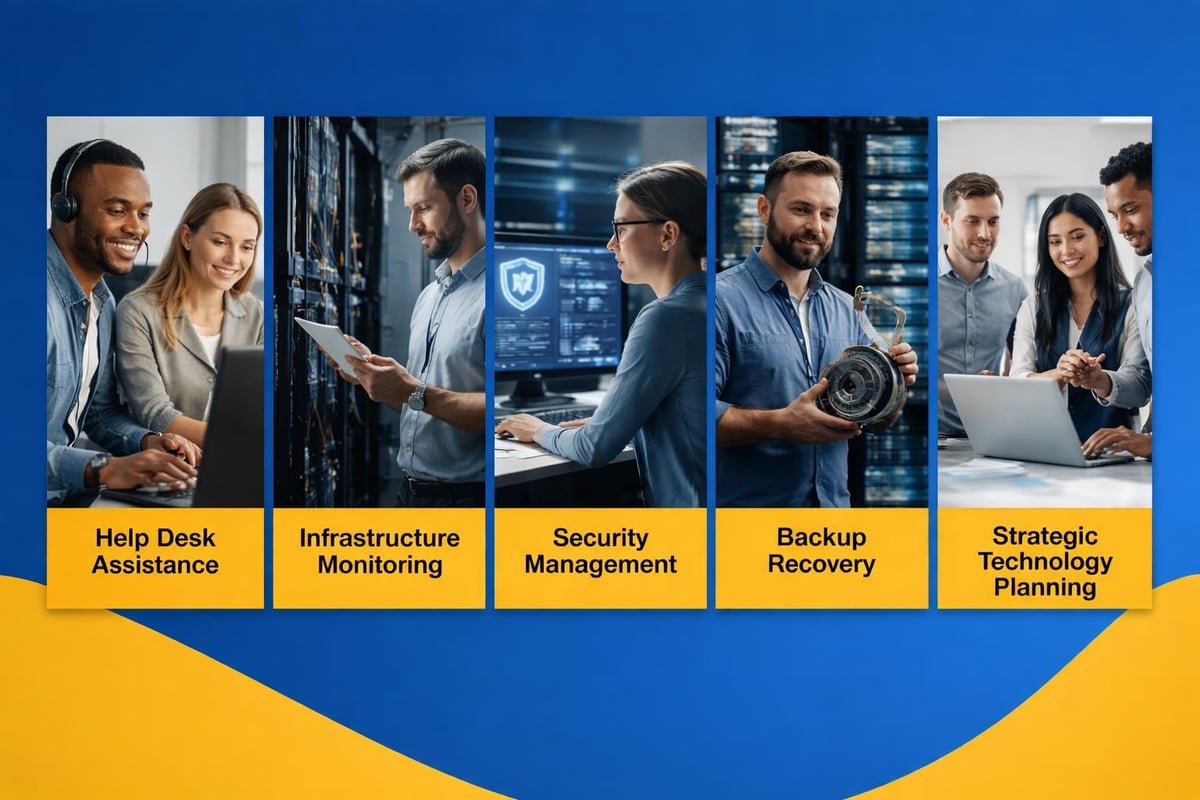
Professional it support services encompass several critical areas:
According to IBM's comprehensive overview, effective IT support helps organizations maintain system uptime, improve user satisfaction, and align IT operations with business objectives. That alignment is what separates basic troubleshooting from true business partnership.
Here's where businesses often get stuck with the wrong model. Reactive support waits for things to break, then fixes them. You call when there's a problem. This "break-fix" approach feels cheaper initially but costs more in the long run through downtime, emergency fees, and repeated issues.
Proactive support monitors your systems continuously, applies updates before vulnerabilities appear, and addresses potential problems before they impact your work. When Always Beyond monitors a client's network, we're catching failing hard drives before they crash, identifying security gaps before they're exploited, and optimizing performance before users complain about slow systems.
The difference? One business owner I spoke with lost an entire day's revenue when their point-of-sale system went down unexpectedly. Another client with proactive monitoring received an alert about a failing component at 2 AM, had it replaced by 9 AM, and never experienced a single minute of downtime. That's the value of prevention.
Not all it support services work the same way. Understanding the different models helps you choose what fits your business needs and budget.
| Support Model | How It Works | Best For | Typical Cost Structure |
|---|---|---|---|
| Break-Fix | Pay per incident | Very small businesses with minimal technology | Hourly rates ($150-$250/hour) |
| Managed Services | Flat monthly fee for comprehensive support | Growing businesses needing reliability | Per user/month ($100-$200) |
| Co-Managed IT | Hybrid of internal IT + external expertise | Companies with some IT staff | Custom based on scope |
| Project-Based | Specific implementations or upgrades | One-time technology initiatives | Fixed project fee |
Most businesses today benefit from managed IT services because the model aligns perfectly with how modern companies operate. You pay a predictable monthly fee and receive comprehensive coverage including monitoring, support, security, updates, and strategic guidance.
Think of it like having an entire IT department for a fraction of the cost. Your team gets expert support when they need it, your systems stay current and secure, and you gain a technology partner invested in your success.
What makes this model particularly valuable is the no-surprises factor. You know your IT costs every month, you're not gambling on whether something will break, and you're not paying emergency rates when problems happen at 4 PM on Friday.
Traditional managed service providers lock you into long contracts with tiered support levels (bronze, silver, gold) that create artificial barriers between you and the help you need. Always Beyond's approach eliminates those frustrations. You receive full support without contracts, access to real expertise when you need it, and a team that actually understands Mac environments and Google Workspace alongside Microsoft solutions.
Let's talk about what quality it support services actually deliver for your business beyond just "fixing computers."
Calculate how many hours your team loses to technology problems each month. Password resets, slow systems, printer issues, email problems, and connectivity drops. If each employee loses just two hours per month to IT frustration, that's 24 hours annually per person. For a team of 10, that's 240 hours of lost productivity.
Professional support reclaims that time. Employees get help quickly from people who know how to solve problems efficiently. They're not Googling solutions or asking coworkers who don't know either.
Cybersecurity threats evolve constantly. Ransomware, phishing attacks, data breaches, and social engineering schemes target businesses of all sizes. Implementing comprehensive cybersecurity requires expertise most small business owners don't have time to develop.
Quality IT support services include:
This layered approach protects your business far better than hoping your antivirus software catches everything.

As your business grows, your technology needs change. You hire employees who need equipment and access. You add locations requiring network connectivity. You implement new software to manage increased complexity.
With professional it support services, scaling your technology happens smoothly. Your provider handles onboarding new users, configuring systems for new locations, and ensuring everything integrates properly. You're not figuring it out on your own or discovering compatibility issues after you've already made purchasing decisions.
Not all IT support providers deliver the same value. Here's what to evaluate when you're making this important decision.
This matters more than most businesses realize. If you're running Macs and Google Workspace, working with a provider who specializes exclusively in Windows and Microsoft 365 creates unnecessary friction. You want experts who understand your specific environment.
Always Beyond brings deep expertise across multiple platforms. Whether your team uses Macs, PCs, Microsoft 365, or Google Workspace, you're working with people who genuinely know these systems and can optimize them for your workflow.
When you're dealing with a critical issue, every minute counts. Understand your provider's response commitments:
Some providers claim 24/7 support but route you through overseas call centers with limited authority. Others provide genuine around-the-clock access to engineers who can actually solve problems.
Your IT provider should communicate in plain language, not technical jargon designed to make simple things sound complicated. When they recommend solutions, you should understand why and what it means for your business.
Red flags include:
Research from Forrester indicates businesses increasingly value personalized support experiences and flexibility in their IT partnerships. Long-term contracts with hefty cancellation penalties create vendor lock-in that rarely benefits the customer.
Look for providers offering reasonable terms that reflect confidence in their service quality. If they're worried you'll leave after experiencing their support, that tells you something. The best providers know satisfied clients stay because of value delivered, not because a contract forces them to.
Let me share some situations that illustrate how quality it support services solve real business challenges.
Imagine arriving Monday morning to discover your email server isn't working. Nobody can send or receive messages. Customer inquiries go unanswered. Time-sensitive proposals sit in limbo. Your team stands around helpless.
With reactive "break-fix" support, you call around trying to find someone available. Maybe you reach someone by noon. They arrive by 2 PM. They diagnose the problem by 4 PM and schedule parts delivery for Tuesday. You've lost a full day, maybe more.
With proactive managed support, the monitoring system detects the server issue Sunday evening. Your provider resolves it before you arrive Monday. You never knew there was a problem. That's the difference between downtime and uptime.
Your business just landed a major client requiring you to hire five new employees quickly. They need computers, email accounts, access to your systems, and training on your tools. Your current setup barely accommodates your existing team.
Without proper IT support, you're buying equipment piecemeal from big-box stores, struggling to configure everything, dealing with compatibility issues, and losing days of productivity while new hires wait for functional technology.
Managed IT services transform this scenario. Your provider handles procurement, configuration, and deployment. New employees arrive to fully functional workstations with everything they need. Your systems scale smoothly without overwhelming your existing resources.
One of your employees receives a convincing phishing email and clicks a malicious link. Now ransomware is spreading through your network, encrypting files and threatening your entire operation.
This nightmare scenario destroys businesses that lack proper IT support and security measures. Companies with comprehensive support and service continuity planning contain the threat quickly, restore from clean backups, and minimize damage.
Let's address the elephant in the room: what do quality it support services actually cost, and are they worth it?
Most managed IT support services charge per user per month, typically ranging from $100 to $200 depending on service level and complexity. A 15-person team might pay $1,500 to $3,000 monthly for comprehensive support.
That might seem expensive until you compare it to alternatives:

Consider these factors when evaluating IT support return on investment:
Most businesses discover that professional IT support pays for itself through prevented problems and reclaimed productivity alone, before considering the strategic value of having expert guidance for technology decisions.
The right it support services don't just keep your technology running. They transform IT from a source of stress and unpredictability into a competitive advantage that helps your business grow.
When you're choosing IT services providers, focus on finding a partner who understands your business, communicates clearly, responds quickly, and genuinely cares about your success. Look for transparency in pricing, flexibility in terms, and expertise in your specific technology environment.
The businesses thriving today aren't the ones with the fanciest technology. They're the ones whose technology works reliably, adapts as they grow, and supports their team rather than frustrating them. That's what professional IT support delivers when done right.
Your technology should enable your business goals, not stand in their way. Whether you're dealing with slow systems, security concerns, scaling challenges, or just want the peace of mind that comes from knowing experts are watching over your infrastructure, quality IT support makes the difference between technology that limits you and technology that propels you forward.
Finding the right IT support partner transforms technology from a daily frustration into a business advantage. Whether you need help right now or want to explore a more proactive approach, Always Beyond offers comprehensive IT services without long-term contracts, expert support across Mac and PC environments, and a human-first philosophy focused on your actual needs. Schedule a free consultation to discuss how personalized, flexible IT support can help your business run more smoothly and grow more confidently.
See exactly how your current IT setup measures up to our Hack Free standards. Enter your business email to receive:
