
Shawn Freeman
CEO

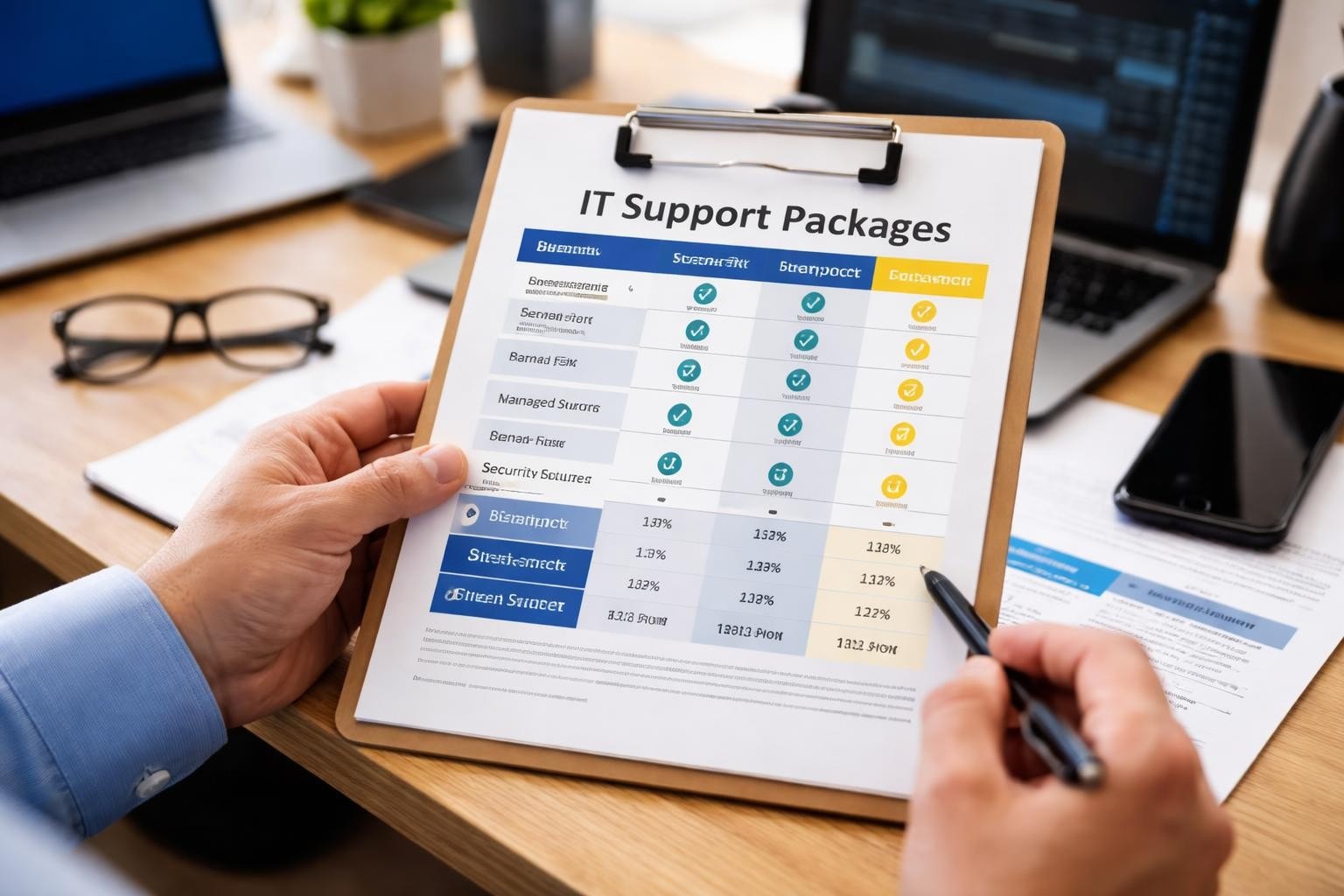
Choosing the right IT support for your business shouldn't feel like deciphering a foreign language. Yet many business owners find themselves overwhelmed by complex pricing structures, confusing service levels, and packages that promise everything but deliver little. The truth is, not all IT support packages are created equal, and understanding what you actually need versus what providers want to sell you can save thousands of dollars and countless headaches. Whether you're a growing startup or an established small business, the right support package should reduce your stress, not add to it.
When you start shopping for IT support, you'll quickly discover that packages vary wildly between providers. Some focus exclusively on reactive fixes while others offer comprehensive management of your entire technology infrastructure.
At their core, most it support packages include these fundamental components:
The real difference lies in how these services are delivered and what additional protections you receive. According to typical managed IT service packages, comprehensive offerings should also include strategic planning, cybersecurity measures, and proactive system optimization.
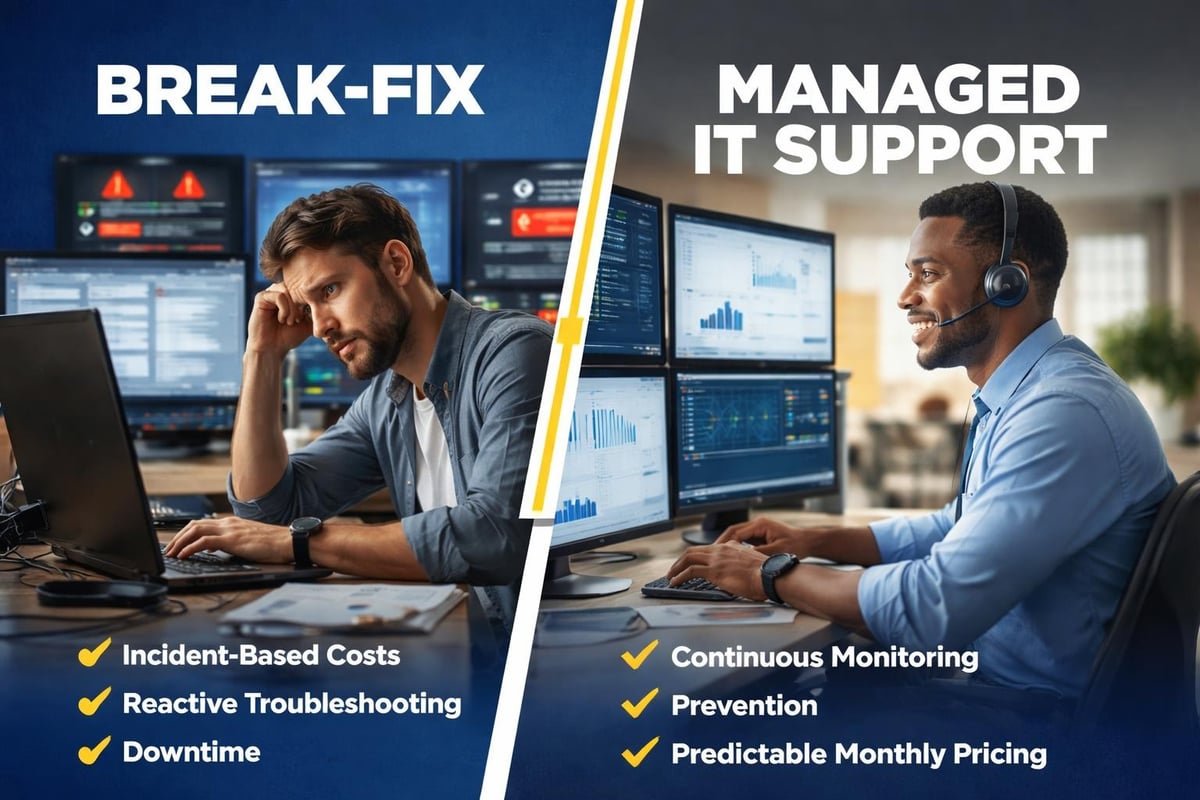
Traditional break-fix support operates like emergency medicine. Something breaks, you call for help, and you pay for each incident. This might seem cost-effective initially, but it often leads to higher long-term expenses and unexpected downtime.
Managed IT support packages flip this model entirely. Instead of waiting for disasters, providers actively monitor your systems, prevent problems before they occur, and maintain your technology infrastructure as an ongoing service. Think of it as the difference between only seeing a doctor when you're sick versus having regular checkups and preventive care.
Response time promises look great on paper, but they mean nothing without proper context. A provider claiming "24/7 support" might only offer email responses on weekends, while another with "business hours support" could have technicians answering calls within minutes.
Before evaluating packages, identify what constitutes an emergency for your business. If your email system goes down at 2 PM on a Tuesday, how long can you afford to wait? What about your point-of-sale system during peak hours?
Consider these common support tiers:
IT help desk best practices emphasize that clear prioritization and communication matter more than aggressive response time promises that providers can't consistently meet.
Many Always Beyond clients appreciate the no-nonsense approach to response times. Rather than making unrealistic promises, they prioritize issues based on actual business impact and maintain transparent communication throughout the resolution process.
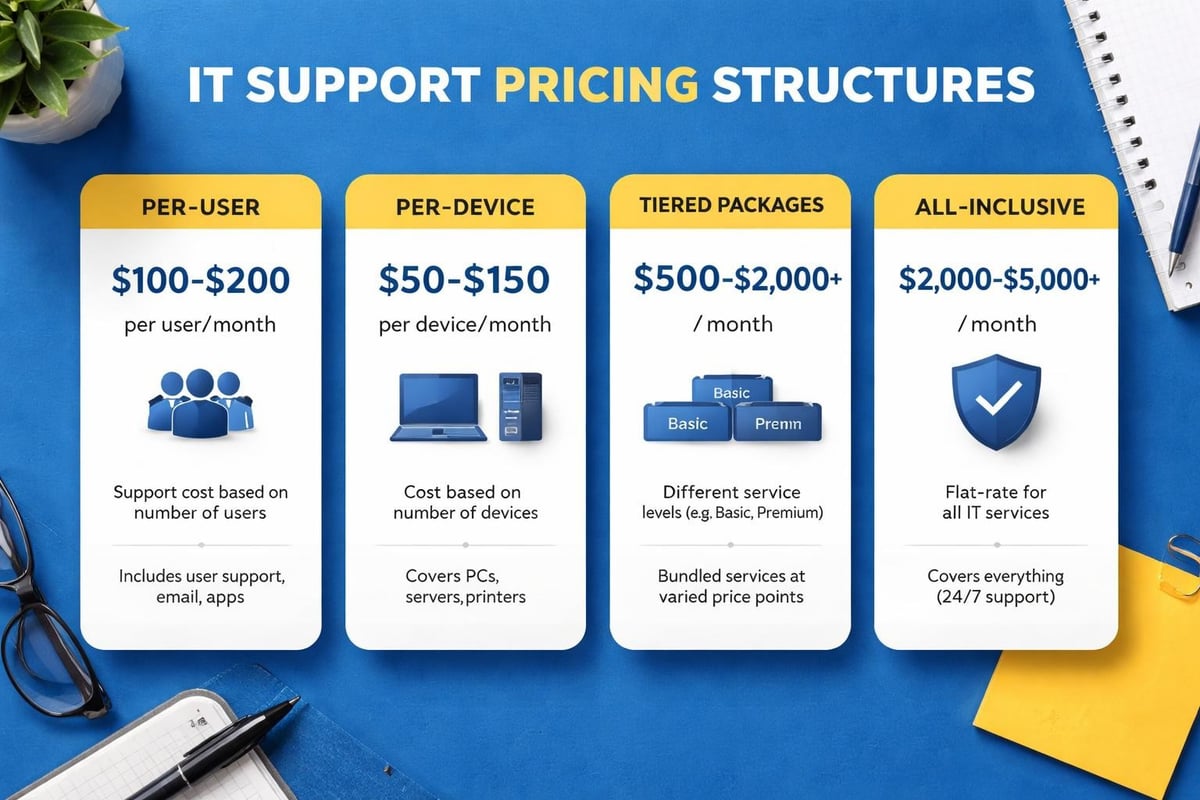
IT support packages typically follow one of several pricing structures, each with distinct advantages depending on your business needs and growth trajectory.
| Pricing Model | How It Works | Best For | Typical Range (2026) |
|---|---|---|---|
| Per User | Monthly fee per employee | Businesses with consistent headcount | $100-$250/user/month |
| Per Device | Monthly fee per computer, server, or device | Businesses with more devices than users | $50-$150/device/month |
| Tiered Packages | Fixed monthly fee with service limits | Small businesses wanting predictability | $500-$5,000/month |
| All-Inclusive | Flat rate covering everything | Growing businesses needing comprehensive support | $2,000-$10,000/month |
According to recent pricing data for managed IT services, the per-user model remains most popular for small to medium businesses because it scales naturally with growth.
Watch for these common add-ons that can double your actual costs:
The best it support packages clearly define what's included and what costs extra. You shouldn't need a lawyer to understand your monthly invoice.
In 2026, cybersecurity isn't optional anymore. Every business, regardless of size, faces constant threats from ransomware, phishing attacks, and data breaches. Your IT support package needs robust security built in, not offered as an expensive add-on.
Essential security components include:
When evaluating packages, ask specifically what happens if you get hacked. Does the provider offer breach response services? Will they coordinate with law enforcement and insurance carriers? Comprehensive cybersecurity services should address both prevention and response.
Consider this scenario: A small accounting firm with 12 employees experienced a ransomware attack that encrypted all client files. Their basic IT support package included antivirus software but lacked employee training, email filtering, or backup monitoring. The attack happened on a Friday afternoon.
By Monday morning, they faced:
A comprehensive package with proper security layers would have cost approximately $3,600 annually. The breach cost them over $80,000 plus immeasurable reputation damage.
The difference between average IT support and exceptional service often comes down to one word: proactive. Budget packages typically wait for you to report problems. Premium packages identify and resolve issues before you notice them.
Modern IT Service Management best practices emphasize automation and proactive monitoring as essential components of effective support.
Imagine your server's hard drive shows early warning signs of failure. With reactive support, you discover the problem when the drive crashes, losing data and facing hours or days of downtime. With proactive monitoring, your IT provider receives automated alerts, replaces the failing drive during scheduled maintenance, and you never experience an outage.
Proactive services should include:
This approach aligns perfectly with how managed IT services deliver value by preventing problems rather than just fixing them.
Not all businesses run on Windows and Microsoft 365. If your team uses Macs, relies on Google Workspace, or operates industry-specific software, you need IT support packages that genuinely understand your environment.
Many traditional IT providers offer Mac support reluctantly, treating Apple devices as second-class citizens. They might fix obvious problems but miss optimization opportunities and best practices specific to macOS environments.
Cloud productivity platforms have become business-critical infrastructure. Your support package should include deep expertise in whichever platform you use, not just basic troubleshooting.
Look for providers who offer:
For businesses using Microsoft 365 tools like shared mailboxes, your support team should help you leverage these features effectively, not just keep them running.
Here's an uncomfortable truth: Many IT providers lock clients into multi-year contracts because they're not confident you'd stay otherwise. These agreements protect the provider, not you.
Month-to-month arrangements demonstrate a provider's confidence in their service quality. If they deliver value, you'll stay. If they don't, you can leave without penalties or lengthy buyouts.
Watch for these concerning contract terms:
Comparing IT support service packages reveals that the most customer-focused providers offer straightforward terms because they earn your business every month through quality service.
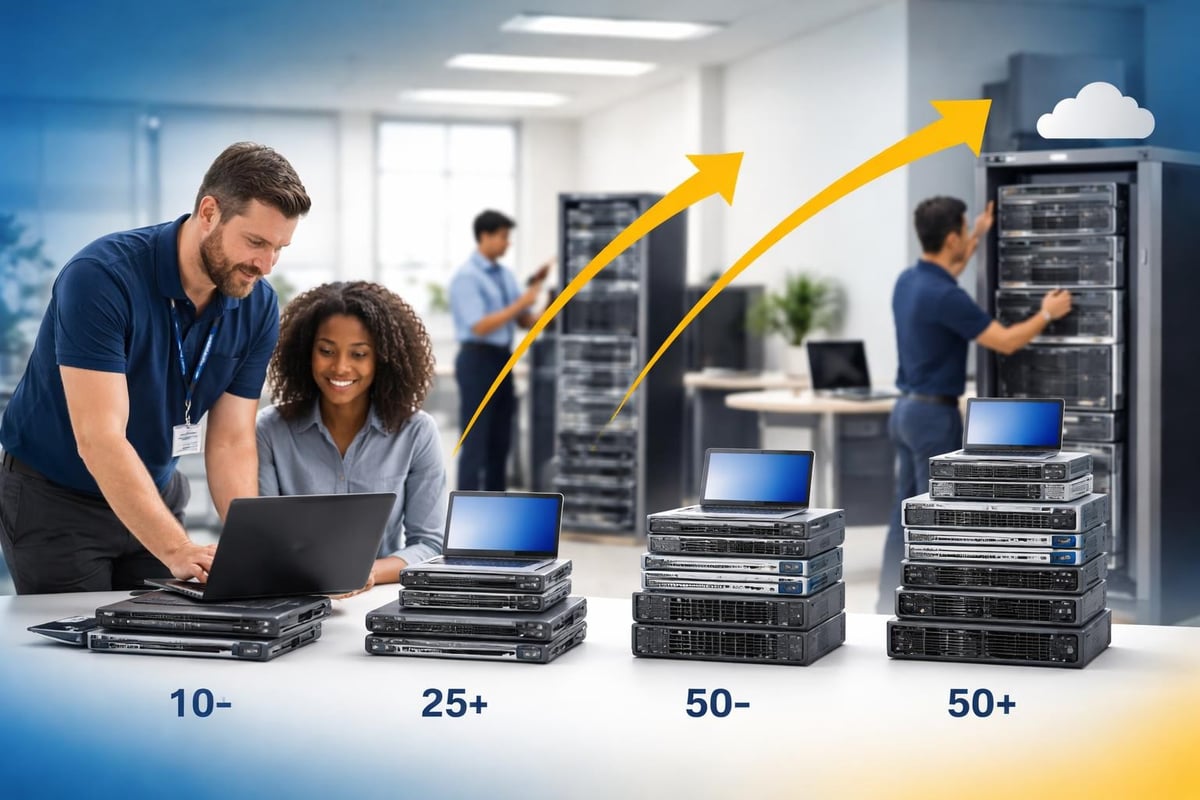
Your business won't stay the same size forever. The right IT support package should grow with you seamlessly, not require complete restructuring every time you hire three new employees.
Questions to ask about scalability:
Small businesses often outgrow their initial IT support arrangements within 18-24 months. Planning for this growth from the beginning saves time and prevents service disruptions during critical expansion periods.
Technical certifications matter, but they're just the starting point. The real question is whether a provider understands your industry's specific challenges and compliance requirements.
A healthcare practice needs IT support that understands HIPAA compliance. A law firm requires providers familiar with client confidentiality and legal technology tools. A retail business needs point-of-sale expertise and payment processing security knowledge.
Look for these indicators of professional expertise:
| Certification/Partnership | What It Indicates | Why It Matters |
|---|---|---|
| Microsoft Partner | Microsoft technology expertise | Better support for Microsoft 365, Azure, Windows |
| Google Cloud Partner | Google Workspace specialization | Optimized support for Google tools and services |
| CompTIA Security+ | Cybersecurity knowledge | Foundation for protecting your business |
| CISSP/Security Certifications | Advanced security expertise | Critical for compliance and threat response |
| Industry-Specific Experience | Understanding of your business sector | Faster problem resolution, relevant advice |
Beyond credentials, ask for references from businesses similar to yours. How long have those clients stayed with the provider? What problems has the provider helped them solve?
Technical expertise means nothing if you can't understand the explanations or dread contacting support. The best it support packages come with teams that communicate clearly, patiently, and without condescension.
Pay attention during initial conversations. Does the provider:
These soft skills often matter more than technical certifications for day-to-day satisfaction with your IT support.
Selecting IT support packages doesn't have to be overwhelming when you focus on what truly matters for your specific situation. Start by honestly assessing your current pain points and future needs.
Create a simple evaluation framework:
According to key features to look for in IT support, rapid response, proactive monitoring, built-in security, and flexible options should form the foundation of any quality package.
Don't just listen to sales pitches. Ask specific questions that reveal how providers actually operate:
The answers will tell you far more than any marketing materials.
Cookie-cutter packages work for some businesses, but growing companies often need customized combinations of services. The most flexible providers build solutions around your needs rather than forcing you into predetermined boxes.
This might mean combining basic monitoring for most users with premium support for key executives, adding specialized security for customer data while keeping general protections for other systems, or scaling specific services independently as needs change.
For many businesses exploring comprehensive IT services, the ability to customize support levels for different aspects of their technology infrastructure provides better value than paying for enterprise-level everything.
Sometimes one provider can't excel at everything. A business might use:
While this approach adds coordination complexity, it can deliver superior expertise in each area. The key is ensuring providers communicate and work together rather than pointing fingers when problems arise.
Understanding it support packages in abstract terms helps, but seeing how different businesses find their fit makes the concepts concrete.
Scenario 1: Ten-person marketing agency
Scenario 2: Twenty-five employee professional services firm
Scenario 3: Established retail business with multiple locations
Each scenario requires different combinations of services, response times, and expertise areas. Understanding the real cost of IT support helps you budget appropriately based on your business profile.
Service level agreements matter, but they're just paper promises. The real value of IT support packages comes from the people delivering the service and their commitment to your success.
Look for providers who:
This human-first approach transforms IT support from a necessary expense into a genuine business partnership. When your technology provider understands your goals, challenges, and industry pressures, they can offer insights that extend far beyond technical troubleshooting.
Always Beyond built their entire service philosophy around this principle-going beyond standard support to deliver personalized, relationship-focused IT services that adapt to each client's unique needs without locking anyone into rigid contracts.
Choosing the right IT support packages ultimately comes down to finding a provider who understands your business, communicates clearly, and delivers consistent value month after month. The best packages combine proactive monitoring, robust security, flexible pricing, and responsive support from technicians who genuinely care about your success. If you're ready to experience IT support that goes beyond checkbox features and focuses on keeping your business running smoothly without the stress, Always Beyond offers free consultations to help you find the perfect fit for your needs-no pressure, no long-term contracts, just honest advice and exceptional service.
See exactly how your current IT setup measures up to our Hack Free standards. Enter your business email to receive:
