
Shawn Freeman
CEO


Searching for "it services near me" isn't just about finding the closest tech company. It's about discovering a partner who understands your business environment, responds quickly when problems arise, and builds a relationship that goes beyond generic support tickets. For small to medium-sized businesses in 2026, the right local IT provider can mean the difference between constant technology headaches and systems that simply work while you focus on growth.
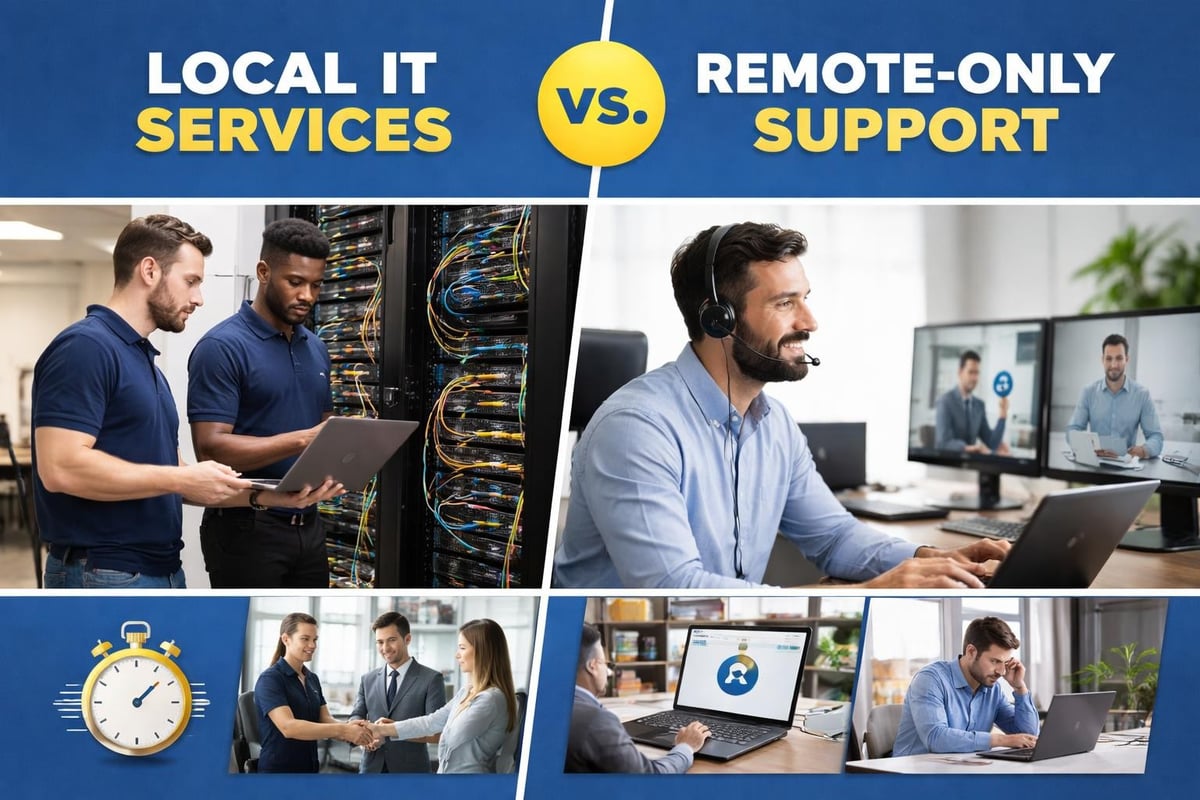
You might think that in our cloud-connected era, geography doesn't matter for IT support. After all, most issues can be resolved remotely, right? While that's partly true, local IT services near me searches reveal something important: business owners still value proximity.
When your entire team can't access customer data, a remote fix is great, but sometimes you need someone who can walk through your door within the hour. Local providers understand your area's specific challenges, from regional compliance requirements to the internet service providers available in your building. They become part of your business community, not just another vendor.
Here's what changes when you work with a nearby IT services provider:
According to industry analysis, the North American IT services market continues to prioritize hybrid support models that combine remote efficiency with local presence. This isn't about rejecting remote work; it's about having options when you need them.
Not all local IT providers offer the same value. When you're evaluating options, you need to look beyond proximity and examine their actual capabilities and approach.
| Service Category | Why It Matters | Questions to Ask |
|---|---|---|
| Managed IT Support | Proactive monitoring prevents problems | Do they offer 24/7 monitoring or just business hours? |
| Cybersecurity | Threats evolve daily | How often do they update security protocols? |
| Cloud Solutions | Scalability and remote access | Which platforms do they specialize in? |
| Backup & Recovery | Business continuity after disasters | What's their average recovery time? |
| Hardware Support | Fixing physical equipment | Do they stock common parts or order everything? |
The best providers offer comprehensive services rather than forcing you to juggle multiple vendors. Managed IT service providers handle everything from daily monitoring to strategic planning, giving you a single point of contact for all technology needs.
Here's a reality check: many IT services near me lock clients into multi-year contracts with hefty termination fees. These agreements protect the provider but trap you even if service quality declines or your needs change.
Look for providers who:
This flexibility matters more than most businesses realize initially. Your technology needs in January might look completely different by October. Rigid contracts make adaptation expensive and frustrating.
Searching for it services near me and picking the cheapest option or the first result rarely ends well. The real costs emerge months later when you discover what's missing.
Consider Sarah, who runs a 25-person marketing agency. She hired a local IT company based purely on price, paying $150 per user monthly. Seemed reasonable until she realized:
After a phishing attack compromised client data, Sarah switched to a provider offering comprehensive cybersecurity services. Her new monthly cost was slightly higher, but the total cost of ownership dropped dramatically because problems got solved properly the first time.
Watch for these red flags when evaluating local providers:
Research shows that effective managed IT services require both technical competence and business understanding. Your provider should explain technology decisions in terms of revenue impact, productivity gains, and risk reduction, not just megabytes and firewalls.

The IT services landscape changed dramatically over the past few years. If your mental model of IT support involves someone fixing your printer occasionally, you're missing the bigger picture.
Traditional IT support operated on a break-fix model: something breaks, you call, they fix it, you pay. This approach creates perverse incentives because providers make more money when your systems fail more often.
Modern IT services near me providers operate differently:
Old Model vs. New Model:
| Aspect | Traditional Break-Fix | Modern Managed Services |
|---|---|---|
| Payment | Per incident | Flat monthly fee |
| Approach | Reactive repairs | Proactive prevention |
| Goals | Fix current problem | Prevent future problems |
| Relationship | Transactional | Strategic partnership |
| Technology | Whatever you bought | Recommended solutions |
This shift aligns incentives properly. Your IT provider succeeds when your systems run smoothly because prevention costs less than emergency repairs. They become invested in your uptime and efficiency.
Global IT spending hit a 30-year high in 2025, driven partly by AI infrastructure investments. In 2026, even small businesses benefit from these advances through their IT service providers.
What this means for you:
You don't need to understand the technology behind these features. You just experience fewer interruptions and faster resolutions when problems do occur.
When you're ready to find or switch IT providers, use this systematic approach to make informed decisions rather than guessing based on websites and promises.
Before contacting any providers, document your current situation:
This preparation prevents providers from selling you irrelevant services. You'll have productive conversations about solving real problems instead of generic pitches.
Search for it services near me and create a shortlist of 3-5 providers. Look beyond their websites:
When you reach out, pay attention to response time and communication quality. If they take three days to return your initial inquiry, expect similar delays for support requests.
Quality IT providers will offer a free consultation or assessment. They should ask more questions than they make statements. Red flag: any provider who proposes solutions before understanding your environment.
During discovery, they should examine:
Expert guidance suggests that thorough discovery separates professional IT services from commodity providers. The best partners invest time understanding your business before proposing anything.

You'll likely receive proposals from multiple providers. Don't just compare bottom-line pricing. Examine:
| Evaluation Factor | Why It Matters | Questions to Ask |
|---|---|---|
| Scope of services | What's included vs. extra | Are backups included or additional? |
| Response guarantees | How fast they commit to helping | What's the SLA for urgent issues? |
| Support hours | When help is available | Do we pay extra for after-hours support? |
| Platform expertise | Can they support your tools | Do you have certified Google Workspace admins? |
| Contract terms | Flexibility and commitments | Can we adjust services monthly? |
| Security approach | How they protect you | What cybersecurity services are standard? |
The lowest price often indicates the lowest value. Focus on cost per problem solved and time saved rather than cost per user per month.
Understanding how IT services near me structure their offerings helps you choose what actually fits your business rather than conforming to generic packages.
This comprehensive approach means your provider handles everything technology-related. They monitor systems 24/7, manage updates, handle security, support users, and plan strategic improvements.
Best for: Businesses that want to focus entirely on their core operations without worrying about technology decisions.
Watch out for: Providers who take a one-size-fits-all approach instead of customizing to your needs. The benefits of managed IT services only materialize when the service model matches your business reality.
Your internal IT person handles day-to-day tasks while the managed service provider handles specialized areas like security, cloud management, or strategic planning.
Best for: Growing businesses with one IT person who needs backup and expertise in specific areas.
Watch out for: Unclear responsibility boundaries that create gaps where issues fall through cracks.
You engage the provider for specific initiatives like migrating to the cloud, implementing new security measures, or upgrading infrastructure.
Best for: Businesses with solid internal IT that need occasional expertise for major projects.
Watch out for: Lack of ongoing support after project completion, leaving you to maintain complex systems alone.
The most progressive providers offer customized service packages that combine elements based on your specific needs rather than forcing you into predetermined tiers.
This might include:
This flexibility acknowledges that businesses change. What you need today differs from what you'll need next year. Effective IT service relationships adapt rather than lock you into rigid structures.
When evaluating it services near me, one critical but often overlooked factor is platform expertise. Not all IT providers excel with all technology ecosystems.
Many IT service providers focus exclusively on Windows environments. If your creative team, executives, or growing number of staff use Macs, you need a provider with genuine Apple expertise.
This matters because:
Providers who "support" Macs but primarily serve Windows environments often provide subpar service to Apple users, creating a two-tier support experience in your organization.
Similarly, your productivity platform requires specific expertise. A provider who excels at Microsoft 365 might struggle with Google Workspace administration, and vice versa.
Key differences include:
Before committing to any IT services near me, verify they have certified administrators for your specific platforms. Generic IT knowledge isn't enough when you need Google Workspace storage optimization or Microsoft Teams troubleshooting.
Current trends in IT services show cybersecurity moving from optional add-on to fundamental requirement. In 2026, every business faces sophisticated threats regardless of size or industry.
Basic antivirus software is table stakes, not adequate protection. When evaluating IT services near me, ensure they provide:
Essential Security Layers:
These aren't separate services you buy individually. They're integrated components of comprehensive IT support that actually protects your business.
Consider these averages for small businesses experiencing security breaches:
Compare those figures to the investment in proper IT maintenance and security services. Prevention isn't just cheaper; it avoids the business-ending scenarios that follow major incidents.
If you're searching for it services near me because your current provider isn't working out, you're not alone. Many businesses switch IT providers, but the transition process intimidates them into staying with inadequate service.
Professional IT service providers make transitions painless by:
The transition typically takes 30-60 days for complete handoff, though you'll experience improved support immediately. Your new provider begins handling urgent issues right away while systematically taking over all systems.
"What if my old provider won't cooperate?"
Quality providers know how to work with uncooperative predecessors. They'll document everything directly from your systems rather than relying on handoffs. It takes slightly longer but works fine.
"Will we experience downtime during the switch?"
Planned transitions shouldn't cause downtime. The new provider monitors alongside the old one, then takes over monitoring responsibilities seamlessly. Changes to systems happen during scheduled maintenance windows.
"What happens to our data?"
Your data stays in your systems throughout the transition. The provider is changing; your files, emails, and applications remain exactly where they are. Access and authentication might be updated, but data doesn't migrate anywhere.
"How do we handle the overlap period?"
If your old provider requires 30-day notice but you want to start with the new one immediately, you'll pay both for one month. Consider this an investment in better service rather than a waste. The improved support usually saves more than the overlap costs within the first quarter.
When businesses search for it services near me, they encounter dozens of providers making similar promises. What actually separates great IT support from mediocre service?
Technology exists to help people work better, not to complicate their lives. The best IT providers remember this fundamental truth in every interaction.
This means:
Some providers get so focused on technology that they forget the people using it. Great providers never lose sight of the humans behind every support ticket.
Confidence in service quality shows in contract terms. Providers who require multi-year commitments reveal uncertainty about their ability to keep clients satisfied through excellent service alone.
Month-to-month flexibility demonstrates that the provider earns your business continuously through results, not contractual obligations. This alignment of interests creates better relationships and better outcomes.
If service quality ever declines, you have options rather than feeling trapped. In practice, businesses rarely leave great providers, but having the option changes the entire dynamic.
Going "always beyond" means anticipating needs before they become problems, suggesting improvements you haven't thought of, and investing time in your success beyond what contracts require.
Examples include:
This proactive approach transforms IT from a cost center into a strategic advantage that actually helps your business grow.
You've researched options, understand what to look for, and know the right questions to ask. Now comes the practical step of actually engaging with IT services near me.
Most quality providers offer free consultations or assessments. This isn't a sales pitch disguised as evaluation; it's a genuine opportunity to understand your environment and discuss whether the provider can help.
Come prepared with:
Good providers will tell you if they're not the right fit. They'd rather refer you to a better match than take on an engagement where they can't deliver excellent results.
Once you engage IT services near me, the first three months establish the foundation for your long-term relationship:
Month 1: Discovery and Stabilization
Month 2: Optimization and Planning
Month 3: Strategic Partnership
By 90 days, you should feel noticeably better about your technology environment. Problems get solved faster, you worry less about security, and your team wastes less time on technology frustrations.
Finding the right it services near me isn't about proximity alone, though local presence certainly helps when you need someone on-site quickly. It's about discovering a partner who understands your business context, responds with genuine care when problems arise, and invests in your success beyond what contracts require.
The best IT relationships feel less like vendor transactions and more like having an expert colleague who happens to work for a different company. They know your systems, understand your goals, and care about outcomes rather than just closing tickets.
Finding reliable it services near me means finding a partner who'll grow with your business, protect your systems proactively, and support your team with patience and expertise. Whether you're frustrated with your current provider, outgrowing DIY IT management, or starting fresh, the right local IT partner transforms technology from a constant headache into a strategic advantage. Always Beyond delivers comprehensive IT support without long-term contracts, combining local presence with proactive service that actually prevents problems before they disrupt your business. Ready to experience IT support that goes beyond expectations? Schedule a free consultation to discover how flexible, expert IT services can reduce your stress and free you to focus on growth.
See exactly how your current IT setup measures up to our Hack Free standards. Enter your business email to receive:
