
Shawn Freeman
CEO


When your network crashes at 2 PM on a Tuesday and your entire team can't access customer files, you need more than a phone call with tech support. Sometimes, you need someone to walk through your door, assess the physical infrastructure, and fix the problem with their own hands. That's the reality of running a modern business, where technology drives everything but can't always be fixed from across the internet.
Remote support has revolutionized how businesses get IT help. Screen sharing, remote desktop tools, and cloud-based diagnostics solve countless problems without anyone leaving their desk. But some situations demand a different approach.
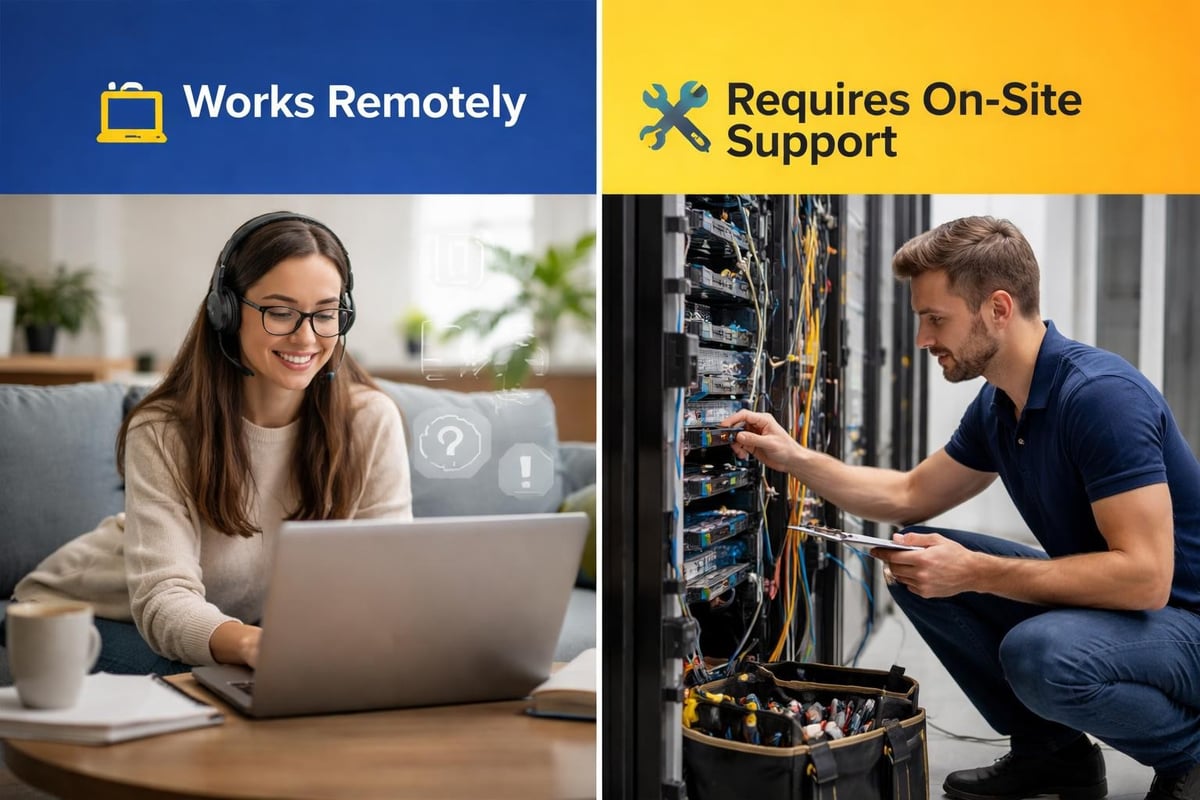
Hardware failures don't respond to software fixes. When a server stops responding, a switch fails, or a workstation won't power on, someone needs to physically inspect the equipment. On-site IT support provides hands-on assistance that remote technicians simply can't deliver through a screen.
Complex network installations require physical presence. Running new ethernet cables, installing access points, or setting up a server rack involves actual tools and actual labor. You can't troubleshoot a cable run through video chat.
Setting up new office locations represents another scenario where it support on site becomes essential. Empty spaces don't wire themselves. Someone needs to assess the layout, plan the network topology, install the infrastructure, and verify everything works before your team moves in.

Faster problem resolution tops the list of advantages. When a technician arrives on site, they bring diagnostic tools, replacement parts, and the ability to see the full picture. They notice things remote support misses: a failing air conditioning unit near the server, a frayed cable under a desk, or a power strip that's overloaded.
Building relationships matters more than most business owners realize. When the same technician visits regularly, they learn your environment intimately. They know which workstation belongs to your graphic designer who needs extra RAM. They remember that your accounting software requires specific printer configurations. This familiarity translates directly into faster service and fewer repeated explanations.
| Support Type | Best For | Response Time | Cost Structure |
|---|---|---|---|
| On-Site | Hardware issues, installations, complex troubleshooting | 2-4 hours typical | Higher per-incident, includes travel |
| Remote | Software issues, configuration changes, monitoring | Minutes to hours | Lower per-incident, no travel costs |
| Hybrid | Comprehensive coverage with appropriate response | Varies by issue type | Balanced monthly fee with included visits |
The hybrid approach between remote and on-site support offers the most flexibility for businesses that want comprehensive coverage without paying for unnecessary visits. You get remote monitoring and quick fixes for simple issues, with on-site visits reserved for situations that genuinely require physical presence.
Small businesses often struggle with IT budgeting because the pricing models vary wildly. Break-fix services charge per incident, which sounds appealing until you need three emergency visits in one month. Suddenly your IT costs spike unpredictably.
Monthly retainer models provide budget certainty but may include services you don't use. Some providers lock you into long-term contracts with steep cancellation penalties. Others offer flexibility that adapts as your needs change.
At Always Beyond, the no-contract approach means you're never trapped in an agreement that doesn't serve your business. When you need managed IT services, you get them. When your situation changes, your service adapts without penalty.
Transparent pricing eliminates surprises. You should know before a technician arrives whether you're paying a flat fee, an hourly rate, or a combination. Hidden costs like "emergency surcharges" or "after-hours premiums" erode trust and damage relationships.
Video calls can't replace physical inspection for certain problems. A technician watching through a camera can't feel that a hard drive is running hot. They can't hear the unusual fan noise that signals imminent failure. They can't test a cable connection properly or verify that a new component seats correctly in its slot.
Security situations often demand physical presence. If you suspect unauthorized access or tampering with equipment, you want someone to inspect your infrastructure in person. Cybersecurity assessments sometimes require physical verification of network segmentation and access controls.
In-person training delivers value that online tutorials can't match. When a technician sits with your team and walks them through new software or procedures, they answer questions in real-time, adapt explanations to individual learning styles, and build confidence through hands-on practice.
New equipment rollouts benefit enormously from on-site support. Imagine deploying 20 new laptops across your team. A technician can unbox, configure, and hand-deliver each device while providing personalized orientation. Your team gets up to speed faster, with fewer follow-up questions.
Different industries face unique IT challenges that influence support needs. Medical offices handle protected health information with strict compliance requirements. Financial services firms manage sensitive client data under regulatory oversight. Creative agencies rely on specialized hardware and software configurations.
Manufacturing environments present physical challenges that remote support can't address. Dusty conditions, temperature extremes, and industrial equipment interference affect IT infrastructure differently than office environments. On-site technicians understand these realities and plan accordingly.
Retail businesses need rapid response when point-of-sale systems fail. Every minute of downtime directly impacts revenue. Having it support on site within an hour can be the difference between minor inconvenience and major losses.
Apple ecosystems require specialized expertise. Many IT providers focus primarily on Windows environments, leaving Mac users with subpar support. Always Beyond's expertise with Mac systems means your creative team, design department, or Mac-based office gets the same quality support as traditional Windows environments.
Google Workspace users similarly benefit from specialized knowledge. Integration between Google services, third-party applications, and local devices creates unique troubleshooting scenarios. Generic IT support often struggles with these configurations.
Start with an honest assessment of your needs. How often do you experience hardware issues? When was your last major equipment upgrade? How complex is your network infrastructure?
Document your pain points over a three-month period. Track every IT issue: what went wrong, how long resolution took, whether remote support could have fixed it, and what the business impact was. This data reveals patterns that inform your support strategy.
| Business Size | Typical On-Site Needs | Recommended Approach |
|---|---|---|
| 1-10 employees | Quarterly maintenance, ad-hoc issues | Hybrid with on-demand on-site |
| 11-25 employees | Monthly visits, planned maintenance | Hybrid with scheduled maintenance |
| 26-50 employees | Weekly presence, proactive monitoring | Predominantly on-site with remote backup |
| 50+ employees | Daily availability, dedicated support | Full-time on-site or multiple scheduled visits |
Consider conducting a comprehensive IT audit to understand your current state. This assessment identifies vulnerabilities, outdated equipment, and areas where improved support could reduce downtime or enhance productivity.
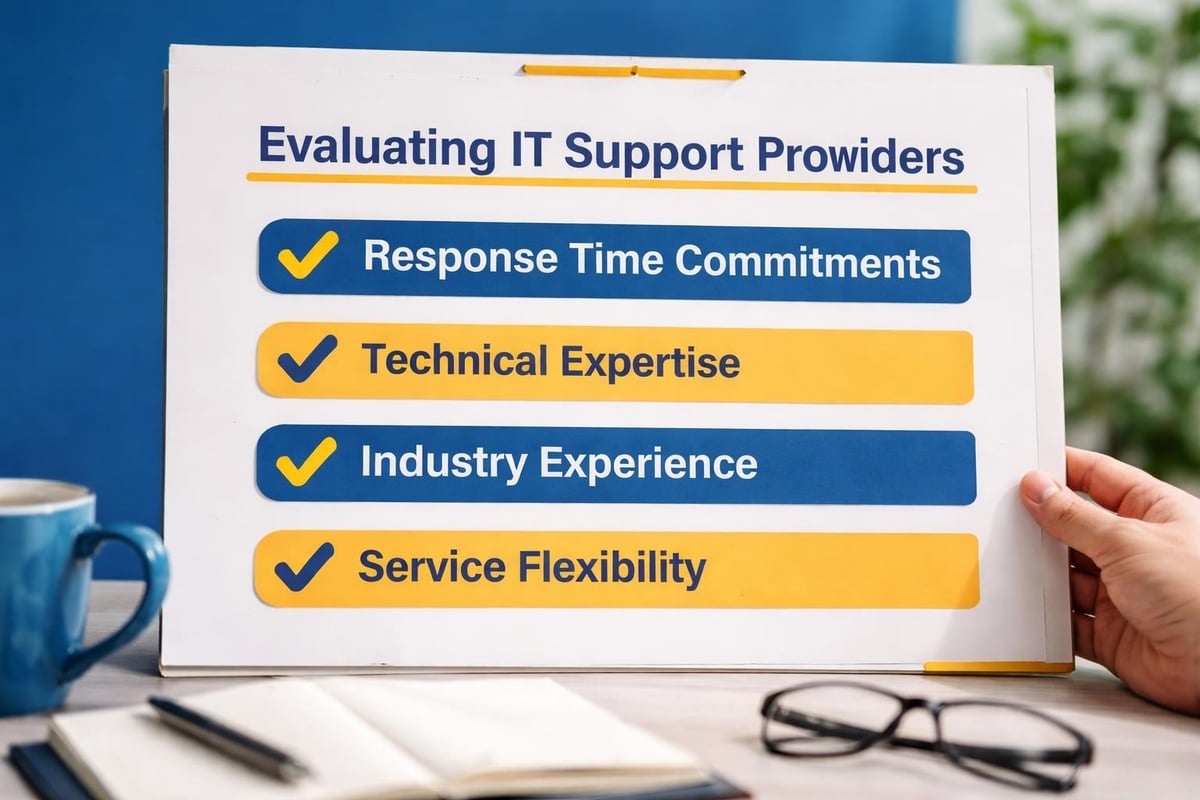
Ask specific questions about on-site response times. "We'll be there as soon as possible" means nothing. You need commitments: "Within four business hours for standard issues, within two hours for critical outages affecting more than five users."
Verify credentials and experience with environments similar to yours. A provider who primarily supports large enterprises may struggle with small business realities. One focused only on startups might not handle your growth trajectory well.
Check references, but don't just ask "Are you satisfied?" Ask about specific scenarios:
Understanding how to work effectively with your IT provider maximizes your return on investment and builds a partnership that grows with your business.
Most businesses don't need full-time on-site IT staff, but they need more than occasional emergency visits. The sweet spot combines proactive remote monitoring with scheduled on-site maintenance and rapid on-site response when genuine emergencies occur.
Proactive monitoring catches problems before they cause outages. Your IT provider sees early warning signs: a hard drive showing errors, memory utilization creeping higher, backup jobs failing occasionally. They schedule an on-site visit during low-impact hours to address issues before they escalate.
Scheduled maintenance visits keep infrastructure healthy. During these appointments, technicians update firmware, clean equipment, verify backups, test disaster recovery procedures, and address the small issues that accumulate between visits. Regular IT maintenance prevents the majority of emergency situations.
Define what constitutes an emergency clearly. Server failure affecting the entire office qualifies. One person's slow computer probably doesn't. Clear escalation procedures ensure appropriate responses without overreacting to minor issues.
Response time commitments should vary by severity:
This tiered approach balances urgency with cost-effectiveness. You're not paying emergency rates for issues that can wait, but you're protected when genuine crises occur.
Switching IT providers feels risky. What if something breaks during the transition? What if the new provider doesn't understand your systems? What if you're locked into a contract that doesn't work out?
Start with a consultation that maps your current environment. The right provider will invest time understanding your infrastructure before proposing solutions. They'll ask about your business goals, growth plans, and technology frustrations.
Trial periods or initial projects reduce risk. Before committing to comprehensive support, engage a provider for a specific project: an office move, a security assessment, or a network upgrade. This limited engagement reveals their working style, communication quality, and technical competence.
Always Beyond's approach emphasizes this low-risk starting point. Book a consultation to discuss your specific needs without pressure or long-term commitments. Experience the service before deciding on comprehensive support.
The best IT support does more than respond to problems. It prevents them, anticipates them, and helps you leverage technology for competitive advantage. This proactive mindset transforms IT from a cost center into a strategic asset.
Strategic technology planning aligns your IT infrastructure with business objectives. If you're planning to open a second location next year, your IT provider should be helping you architect systems that scale smoothly. If you're considering remote work policies, they should be evaluating secure access solutions.
When a technician visits your office for routine maintenance, they should notice opportunities: "Your server is running perfectly, but it's approaching end-of-life. Let's plan replacement before it becomes urgent." Or: "I noticed your team sharing files through email attachments. Have you considered how a proper document management system might save time?"
This consultative approach delivers value beyond incident response. It's the difference between someone who fixes your car when it breaks versus a mechanic who helps you maintain it, anticipates problems, and advises on whether that road trip requires preparation.
The advantages of combining on-site presence with strategic IT planning create a support experience that actively contributes to business growth rather than simply maintaining the status quo.
Allowing technicians into your office raises legitimate security concerns. They potentially access sensitive data, network credentials, and physical infrastructure. How do you verify they're legitimate? How do you ensure they maintain appropriate confidentiality?
Verification processes protect both parties. Always Beyond maintains a technician verification system that lets clients confirm identity before granting access. This simple step prevents social engineering attacks where malicious actors impersonate service providers.
Background checks, insurance coverage, and professional certifications matter. Your IT provider should readily provide evidence of these protections. If they hesitate or deflect these questions, consider it a red flag.
Non-disclosure agreements formalize confidentiality expectations. Any provider accessing your systems should sign agreements protecting your proprietary information, customer data, and business operations.
Technology evolves constantly, but the fundamental need for reliable IT support remains unchanged. Businesses need systems that work, problems that get solved quickly, and technology that enables rather than hinders their work.
Remote capabilities will continue improving. AI-powered diagnostics, augmented reality troubleshooting, and increasingly sophisticated remote tools will solve more problems without physical presence. But hardware still exists in the physical world, and some situations will always require hands-on attention.
The most effective support strategies combine the best of both approaches. Benefits of comprehensive on-site IT support complement remote capabilities to create truly responsive service.
Flexibility matters more than ever. Rigid contracts and one-size-fits-all packages don't serve diverse business needs. The ability to scale support up or down, adjust service levels, and pay for what you actually need creates partnerships that last.
Your business deserves IT support that adapts to your reality rather than forcing you into predefined boxes. Whether that means weekly on-site visits, monthly maintenance with remote monitoring, or custom arrangements that match your unique situation, the right provider makes it work.
Finding the right balance between remote efficiency and on-site expertise transforms IT from a source of stress into a competitive advantage. Whether you need hands-on support for complex infrastructure, strategic guidance for growth, or simply reliable help when technology fails, the approach should match your business reality. Always Beyond delivers flexible, no-contract IT support that combines the best of both worlds-proactive remote monitoring when it makes sense, rapid on-site response when you need it, and always the expertise to keep your business running smoothly. Ready to experience IT support that actually works for your business? Let's talk about what's possible.
See exactly how your current IT setup measures up to our Hack Free standards. Enter your business email to receive:
